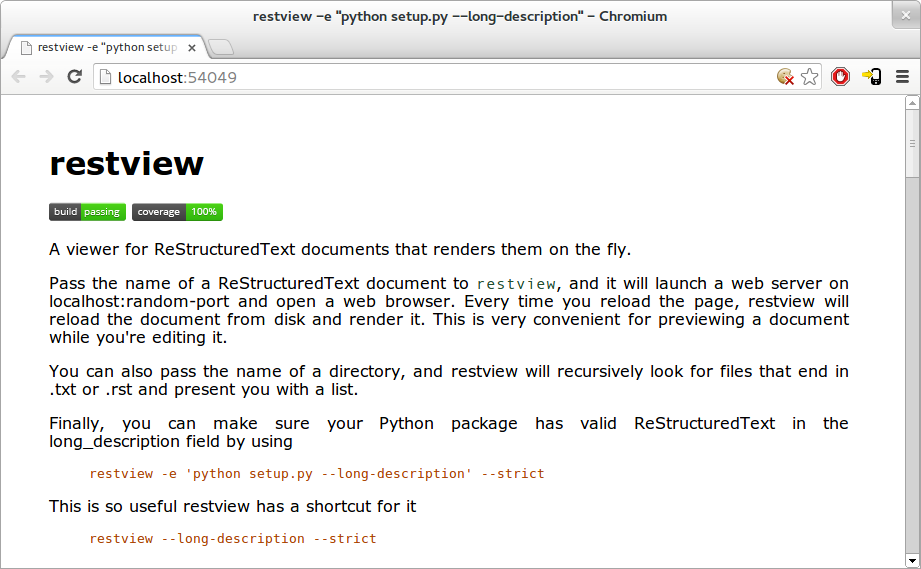
A viewer for ReStructuredText documents that renders them on the fly.
Pass the name of a ReStructuredText document to restview, and it will launch a web server on localhost:random-port and open a web browser. It will also watch for changes in that file and automatically reload and rerender it. This is very convenient for previewing a document while you're editing it.
You can also pass the name of a directory, and restview will recursively look for files that end in .txt or .rst and present you with a list.
$ restview [options] /path/to/filename.txt [...]
restview can also serve a listing of all txt and rst files in a directory tree.
$ restview [options] /path/to/directory [...]
Or it can run a command to generate the ReStructuredText .
$ restview [options] -e "python setup.py --long-description"
There's a shortcut for that particular useful example:
$ restview [options] --long-description
This mode doesn't have automatic reloading on file changes, but it will re-execute that command whenever you reload the browser page.
Options:
  -h, --help            show this help message and exit
  -l PORT, --listen=PORT
                        listen on a given port (or interface:port, e.g.
                        *:8080) [default: random port on localhost]
  -b, --browser         open a web browser [default: only if -l was not
                        specified]
  -e COMMAND, --execute=COMMAND
                        run a command to produce ReStructuredText
  -w FILENAME, --watch=FILENAME
                        reload the page when a file changes (use with
                        --execute); can be specified multiple times
  --long-description    run "python setup.py --long-description" to produce
                        ReStructuredText; also enables --pypi-strict and
                        watches the usual long description sources (setup.py,
                        README.rst, CHANGES.rst)
  --css=URL|FILENAME    use the specified stylesheet; can be specified
                        multiple times [default: html4css1.css,restview.css]
  --strict              halt at the slightest problem
  --pypi-strict         enable additional restrictions that PyPI performs
restview is available from the Python Package Index: http://pypi.python.org/pypi/restview. You can also pip install restview.
You can get the latest version of the source code from GitHub:
git clone https://github.com/mgedmin/restview
Or you can browse the repository on the Web.
restview was written by Marius Gedminas. It is released under the terms of the GNU GPL.
Please report bugs on GitHub.